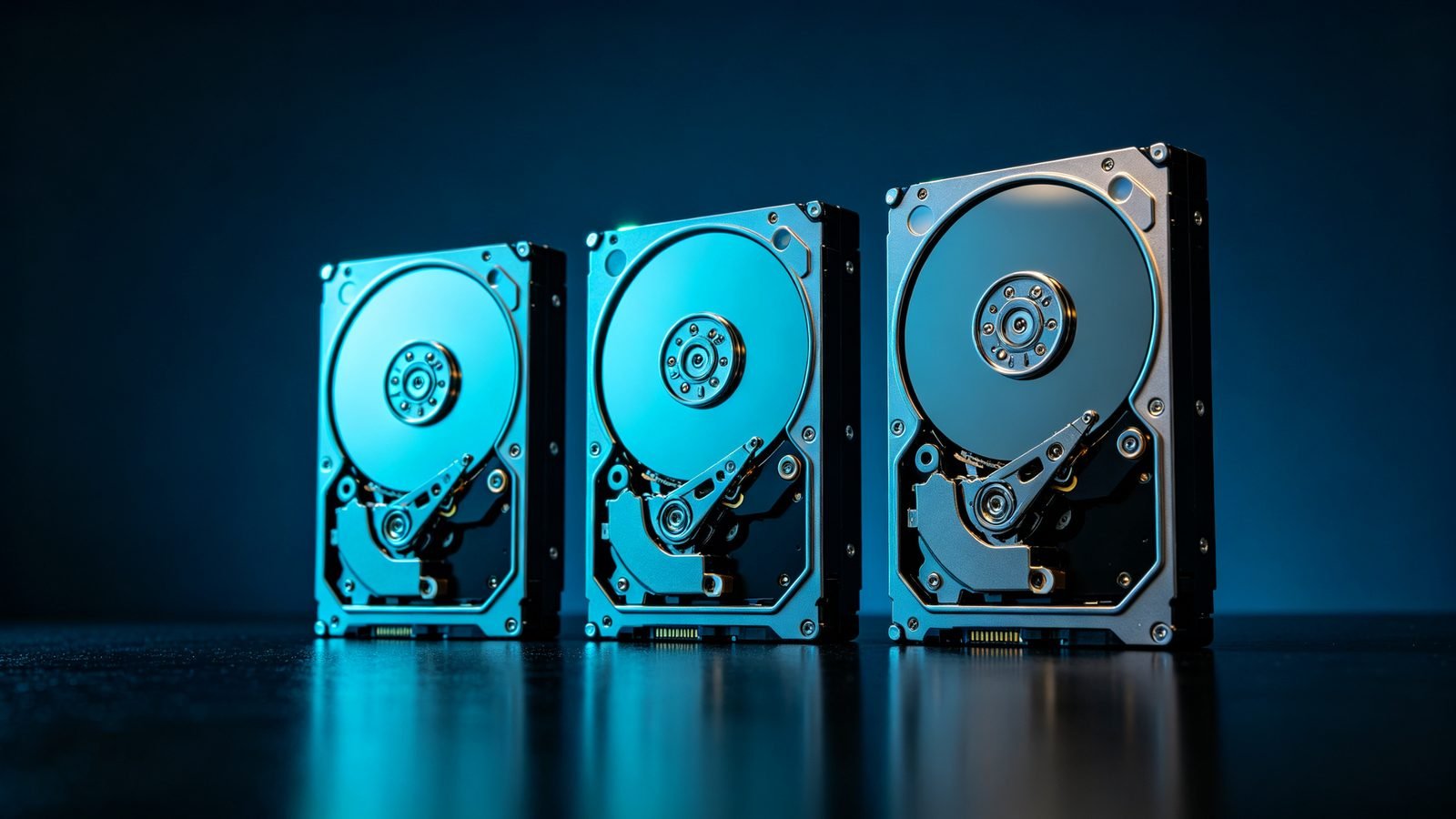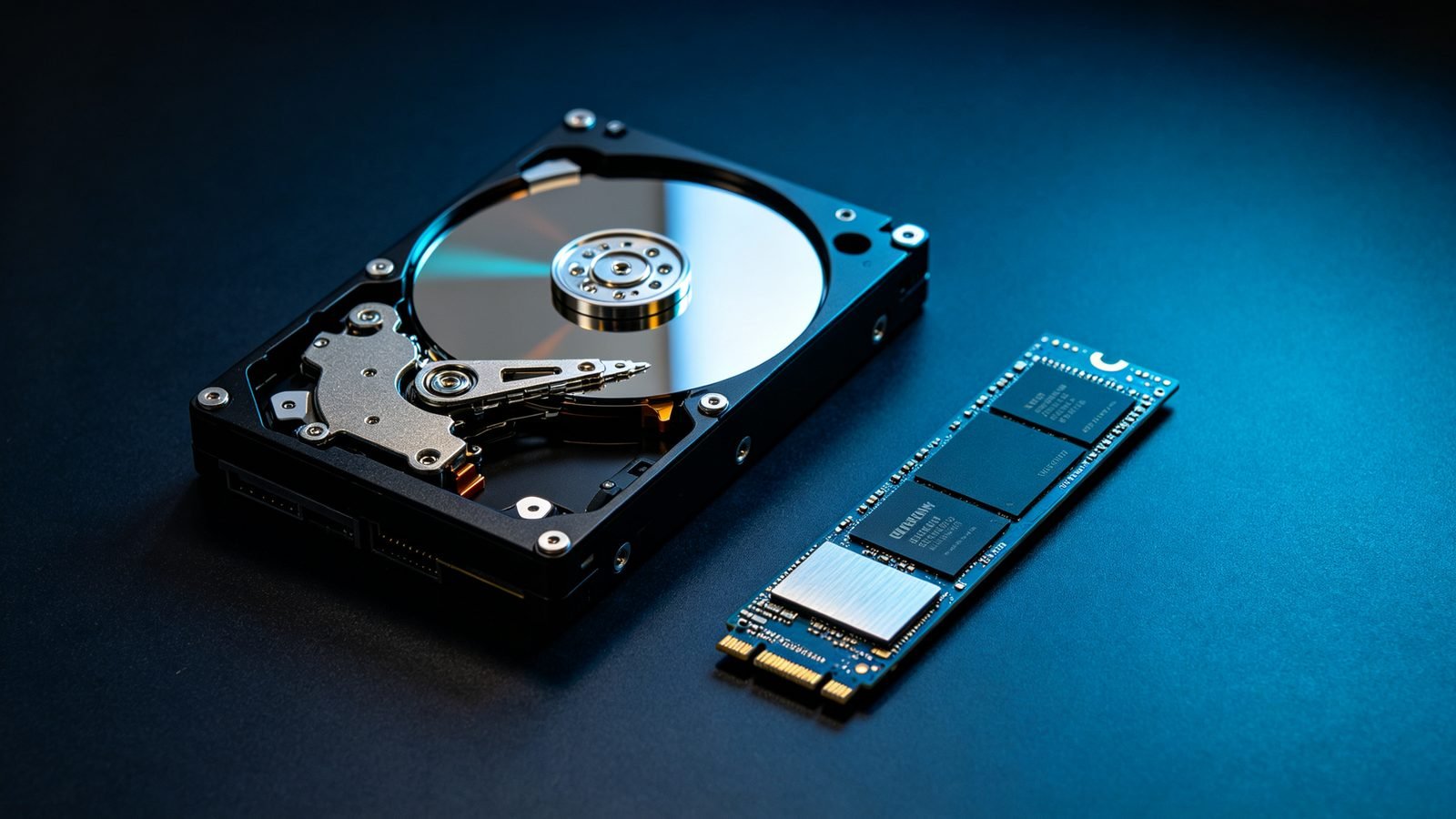


Seagate’s IronWolf and Exos families are both 3.5-inch, both use the same underlying recording technology, and both will store your data. The difference is not build quality — it is what each family was tuned for. Getting the choice right matters most when the buy is large enough to be expensive and small enough to be a mistake you live with.
The overlap people miss
Both families are helium- or air-filled 3.5-inch drives with conventional magnetic recording, rotational vibration sensors and firmware built for always-on duty. In a single-drive desktop enclosure the two are functionally interchangeable, and in a small NAS most users would not be able to tell which was installed by listening or by using it.
That overlap is why the argument happens. The differences are real, but they are in the specification margins — and margins are exactly what matters when twenty drives are running in one chassis for five years.
What IronWolf is designed for
IronWolf is a NAS family. Its firmware is tuned for the workload profile of a small-to-medium multi-bay enclosure: sustained streaming reads from several clients, periodic parity writes, and the vibration environment created by several drives sharing a chassis.
- Rotational vibration (RV) sensors detect and compensate for vibration from neighbouring drives — the main cause of performance loss in dense bays.
- AgileArray firmware adds RAID-specific behaviour, including dual-plane balancing for arrays and power management that suits staggered spin-up.
- Positioning — IronWolf targets bays up to roughly eight; IronWolf Pro extends into larger configurations and adds a bundled data-recovery service.
- Workload rating — specified for the write volume a busy consumer or small-office NAS generates.
What Exos is designed for
Exos is the enterprise family, built for rack-mounted storage servers and SAN arrays running continuously in a data-centre thermal and vibration environment.
- Higher workload rating — specified for sustained, heavy write throughput, not bursty home or small-office traffic.
- Enterprise reliability targets — tighter annualised failure-rate objectives and higher MTBF specifications than consumer or small-business lines.
- SAS options — Exos is where dual-port SAS lives. If your array needs redundant controller paths, this is the family that offers it.
- Enterprise feature set — options across capacity points, cache sizes and sector formats (512e and 4Kn) matched to array requirements.
The differences, side by side
| IronWolf / IronWolf Pro | Exos | |
|---|---|---|
| Primary design target | Multi-bay NAS | Rack servers and SAN arrays |
| Duty cycle | Always-on, moderate write volume | 24×7, high sustained write volume |
| Vibration handling | RV sensors, AgileArray firmware | RV sensors plus enterprise-grade tuning |
| Interfaces | SATA | SATA and SAS (dual-port) |
| Warranty | Standard NAS warranty | Extended enterprise warranty |
| Typical best fit | 2–8 bay NAS, small office, media server | 8+ bay arrays, virtualisation, object storage, archives |
How to decide, by deployment
- 2–4 bay home or small-office NAS, streaming and backups. IronWolf is the right spec and the cheaper one. Exos adds capability the workload will never use.
- 6–8 bay NAS with several concurrent users. IronWolf Pro, or Exos if the price per terabyte lands lower — which it often does in refurbished grades. Both are defensible; compare actual quotes.
- 8+ bay array, virtualisation, or mixed workloads with unpredictable write patterns. Exos. The workload rating and enterprise tuning are not marketing — they describe a duty cycle your array will actually hit.
- Anything needing dual-port redundancy. Exos SAS. IronWolf does not offer it.
- Cold archive tiers behind a volume server. Exos, chosen on cost per terabyte rather than on performance.
Three misconceptions worth clearing up
“You cannot use Exos in a NAS.” You can. Nothing in the specification forbids it. Many large DIY arrays are built entirely from Exos drives because the per-terabyte economics are better. The things to check are noise (enterprise drives are typically louder), idle power draw, and — occasionally — whether a specific NAS vendor has validated that model on their compatibility list.
“IronWolf is the same drive with a NAS sticker.” No. Firmware behaviour differs, including vibration compensation strategy and how the drive behaves during RAID parity operations. On two drives nobody notices; on twelve, the tuned firmware is the reason the array holds its throughput.
“Refurbished enterprise drives are a downgrade from new NAS drives.” Not necessarily. A verified, low-hour Exos drive often carries better per-terabyte economics and a higher workload rating than a new IronWolf at the same price. What it does not automatically carry is the same warranty — so compare warranty terms, not just grade labels.
Buying in volume: the practical checklist
- Size the array before choosing the family. Bay count and concurrent user load decide this, not price.
- Keep one model and one batch within an array. Mixing families or batches affects vibration behaviour and rebuild consistency.
- Confirm the interface against your chassis. A SAS drive will not fit a SATA-only bay.
- Compare total cost, not unit price. Include warranty length and what happens when a drive fails in year three.
- Pilot with one array. Run a real rebuild on the candidate drive before committing to a full chassis rollout.
Conclusion
IronWolf and Exos are not good and better versions of the same thing. They are two drives tuned for two different jobs, and the correct choice is determined by your bay count and write profile — not by which name sounds more enterprise.
Match the family to the workload, then optimise on grade and per-terabyte cost within that family.