
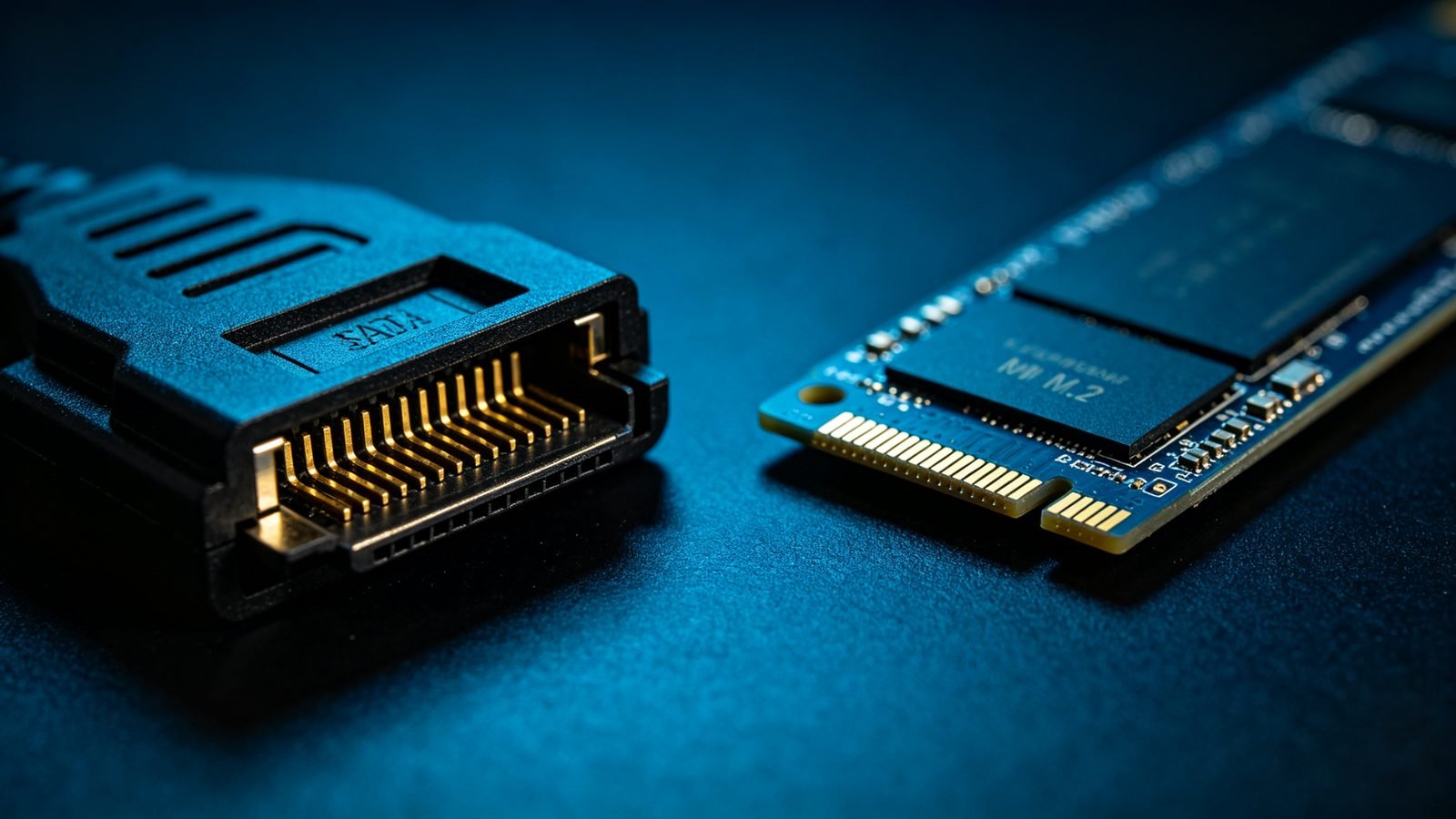
Interface discussions usually collapse into a bandwidth number: 6 Gb/s, 12 Gb/s, PCIe 4.0 ×4. That number matters, but it is rarely the thing that decides whether a system performs well — and on a hard drive it is almost irrelevant. Here is what each interface actually changes, and where the real decision points are.
The interfaces, in one table
Approximate theoretical and realistic throughput for the interfaces you will meet in a rack:
| Interface | Link rate | Realistic throughput | Typical use |
|---|---|---|---|
| SATA III | 6 Gb/s | ~550 MB/s | HDDs, SATA SSDs, cost-sensitive tiers |
| SAS-3 | 12 Gb/s | ~1,100 MB/s | Enterprise HDDs, dual-port servers, expanders |
| SAS-4 | 22.5 Gb/s | ~2,000 MB/s | New enterprise arrays, high-port-count backplanes |
| NVMe (PCIe 3.0 ×4) | ~32 Gb/s | ~3,500 MB/s | Boot drives, mainstream server flash |
| NVMe (PCIe 4.0 ×4) | ~64 Gb/s | ~7,000 MB/s | Databases, AI training data paths |
| NVMe (PCIe 5.0 ×4) | ~128 Gb/s | ~14,000 MB/s | Latest-generation server flash |
These are link-layer ceilings. Real drives rarely reach them, and the numbers move with generation — but the order of magnitude is what matters for planning.
It is not only bandwidth — it is the protocol
SATA and SAS both ride on AHCI, a command protocol designed in the era of single spinning disks. AHCI offers one command queue, 32 commands deep. For one mechanical drive that was generous. For modern flash it is a straitjacket.
NVMe was written for flash from the ground up. It supports up to 65,535 queues, each up to 65,535 commands deep, and it maps directly onto a PCIe bus rather than passing through a storage controller. The practical results are lower per-command latency and vastly higher queue depth.
That protocol difference is why the gap between a SATA SSD and an NVMe SSD is much wider than the raw bandwidth figures suggest:
- Latency — a SATA SSD typically answers in the ~100 µs range; an NVMe drive in the tens of microseconds.
- Random IOPS — SATA SSDs saturate around 90,000–100,000 IOPS, constrained by the protocol. NVMe drives routinely reach several hundred thousand, and enterprise models go far beyond.
Why none of this decides a hard drive purchase
Here is the part that gets lost. A modern high-capacity enterprise HDD sustains roughly 250–290 MB/s of sequential transfer. SATA III’s realistic 550 MB/s is already more than double what the drive can produce.
Twice the headroom means the interface is not the constraint. The constraint is the platter spinning and the actuator arm moving — mechanical physics that no interface upgrade can touch. A 28TB hard drive on SATA and the same drive on SAS deliver the same sequential throughput.
So when you are buying HDDs, the SATA-versus-SAS question is not a performance question. It is an infrastructure question.
What actually decides SATA vs SAS for HDDs
- Dual-port redundancy. SAS drives have two independent ports and can connect to two controllers simultaneously. If one path fails, the array keeps running. This is the single most common reason enterprise arrays are SAS-only. SATA has one port, one path.
- Topology and scale. A SAS expander lets one controller address dozens — in large configurations, hundreds — of drives behind it. SATA does not scale that way; you run out of controller ports.
- Backplane and chassis compatibility. This is where projects actually break, and it is worth being explicit: a SAS controller or backplane can accept a SATA drive. A SATA controller or backplane cannot accept a SAS drive — the connector is keyed differently. Buying SAS drives for a SATA-only chassis results in drives that simply do not fit.
- Cost. SAS drives and controllers carry a premium over equivalent SATA. If you do not need dual-port or expander topology, that premium buys nothing.
- Error recovery behaviour. SAS enterprise drives expose configurable error-recovery timeouts that arrays rely on. Some desktop-class SATA drives do not, and can be dropped from a hardware RAID set for taking too long to answer. For array use, look for drives specified for RAID duty regardless of interface.
Where NVMe changes the answer
NVMe wins decisively wherever latency and queue depth set the ceiling: transactional databases, virtual machine farms, real-time analytics, caching layers and AI training pipelines that must feed accelerators continuously.
It does not replace capacity storage. The economics do not work — cost per terabyte remains several times that of a hard drive, and the workloads that need tens of petabytes of resident data are usually reading it sequentially, which is exactly what hard drives are good at.
Which is why the architecture that keeps winning is tiered rather than exclusive:
- NVMe tier — hot data, databases, cache, boot volumes, AI working sets.
- SAS/SATA SSD tier — warm data, mixed workloads that need consistent latency but not peak throughput.
- HDD tier — capacity, archives, backups, media, anything measured in petabytes.
Conclusion
The interface matters enormously for flash and barely at all for hard drives. If you are specifying HDDs, choose on dual-port requirement, chassis compatibility and array support — not on the bandwidth printed on the datasheet, because you will not use it.
If you are specifying flash, NVMe is the default and the only question left is which PCIe generation your platform supports.